ArtLens App

ArtLens App was rebuilt on a modern, cross-platform foundation that supports continuous innovation while delivering a consistent experience across iOS and Android. Designed with accessibility at its core, the app offers a comprehensive experience in ArtLens and serves as a guide to the entire museum.
ArtLens App has grown and expanded since 2012, however the main goals have never changed:
Feature every object on view
Integrate with ArtLens and serve the entire museum
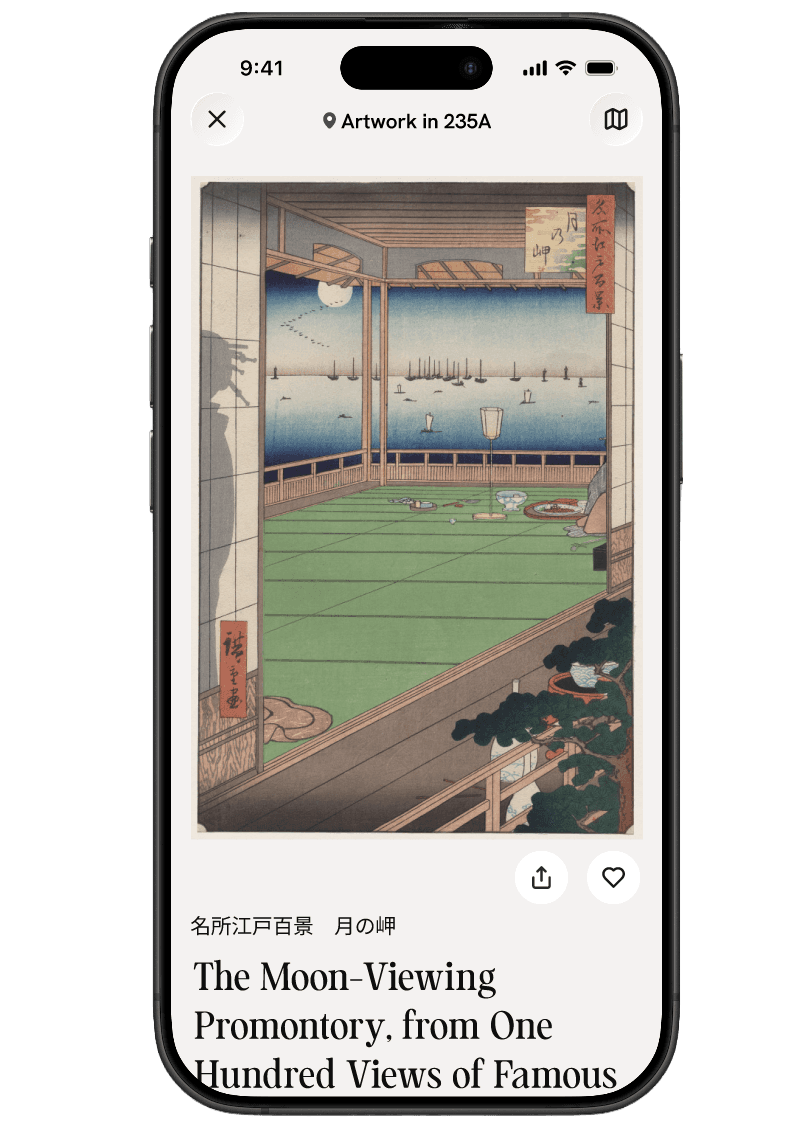
Allow visitors to scan artworks for more detailed information
Support a personalized experience where visitors can favorite artworks, tours, and their own creations
Provide wayfinding through an interactive map
These core pillars have remained constant as we continue to improve, innovate, and push the boundaries of what a museum app can be in the 21st century. Through a commitment to accessibility and inclusive design, ArtLens App strives to create a more meaningful experience for all audiences.
ArtLens App is available for FREE to download to iOS 16.4 or higher and to Android devices (15+).
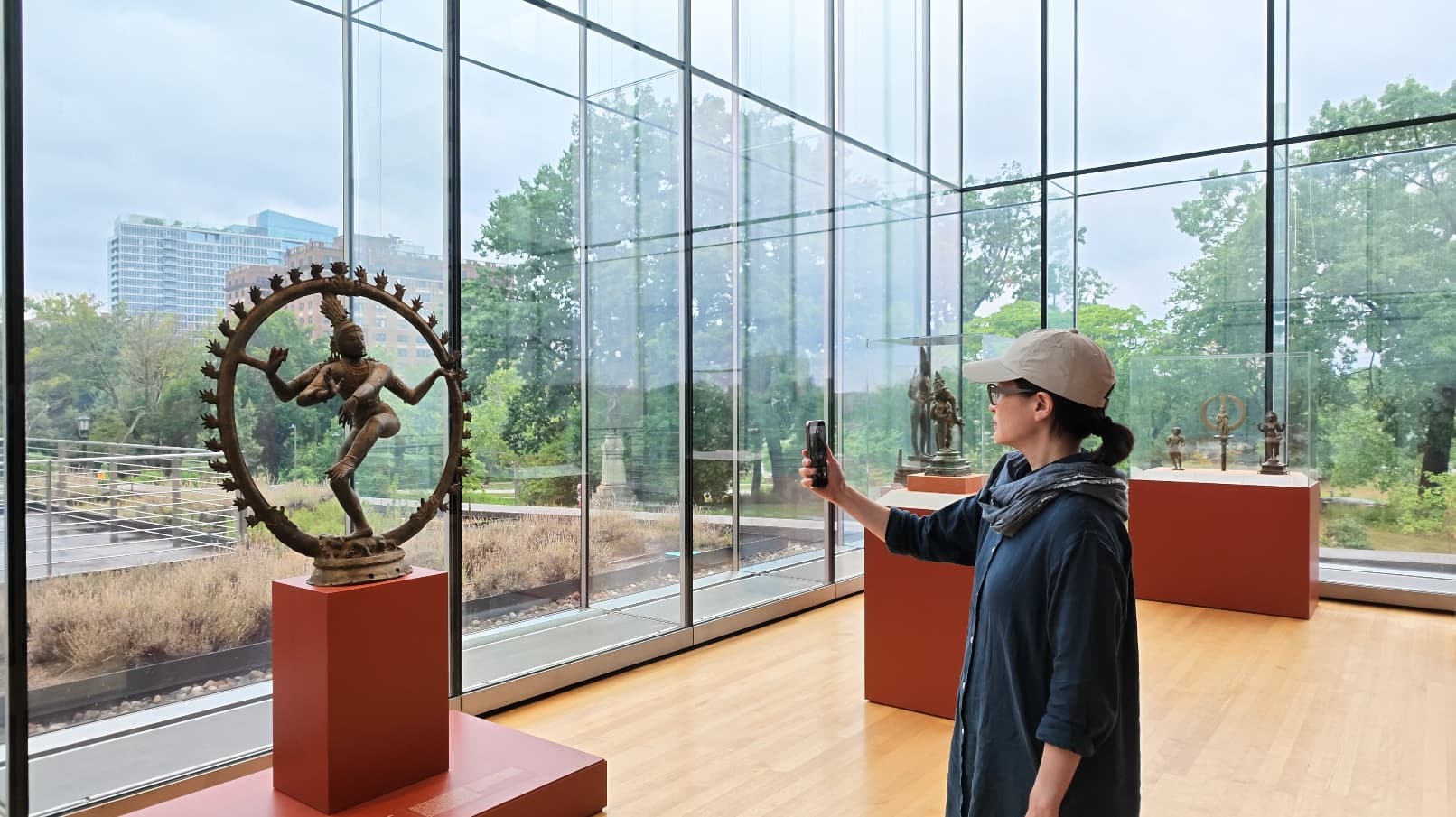
AI-Powered Artwork Scanning
Instantly connect to artwork information for the entire on-view collection
- Coming Soon
Main Features
Search: Search the collection by artist name, artwork title, and accession number to discover works on view in the museum.
Explore: Discover popular artworks and an overview on all the app has to offer. Explore the galleries from anywhere, inside the museum or out.
Map: Your wayfinding guide to the CMA with a "Find Me" feature that finds your exact location in the museum at any time. Galleries are color coded and grouped thematically to facilitate easier navigation. Tap any gallery number to see a gallery description and all artworks in that gallery.
Tours: Browse, save, and share tours from anywhere. Explore the CMA’s featured tours, guided tours, and visitor-created tours.
Favorites: Keep track of favorites while exploring the app, and revisit your saved artworks, tours, and creations.
Accessibility Prioritized
The ArtLens App was designed with accessibility and inclusion at its core to expand access to art and the museum for visitors of all abilities, particularly by bridging the gap for visitors who are blind or have low vision.
Full Screen Reader Navigation
The app takes advantage of the built-in iOS (VoiceOver) and Android (TalkBack) capabilities to make the entire app navigable by screen reader, an assistive technology that converts on-screen content into spoken output. Visitors can use the voice, speaking rate, and other accessibility settings they have already selected on their own phone. This enables blind and low vision users to navigate and interact with all app content and controls using familiar gestures that are most comfortable to them.

Visual descriptions
The app contains every on-view artwork in the CMA collection, all of which have a visual description. Blind and low-vision visitors can access the artwork visual descriptions directly through the ArtLens app by using a screen reader.
When docked at an interactive in ArtLens gallery, the app also surfaces visual descriptions of every artwork you interact with. Visitors can also access “Gallery Overviews” for a visual description of each of the rooms in the ArtLens Gallery.
Guided Tactile Descriptions
The app provides guided tactile descriptions, to guide access to tactile information for blind and low-vision visitors. These descriptions provide detailed, guided walkthroughs that direct users’ hands and fingers across tactile elements in ArtLens Gallery (e.g. tactile maps and Sacred Sites Revisited touch objects).
Interactive Instructions
When docked at an interactive, the mobile application provides multi-modal access to instructions for using each interactive. This includes:
Clear textual and audio explanations of how each interactive works
Location of the interactive area in relation to you
What outcomes a visitor can expect
Text-to-Speech (TTS)
When docked at an interactive in ArtLens gallery, all text within the ArtLens App can be converted to speech. Providing access to textual app content through speech allows visitors to engage with content in their preferred modality.
Zoom, Display, and Text Size
The app supports the user’s device settings to reflect any zoom, display, and text size changes the user has already selected in their phone settings.